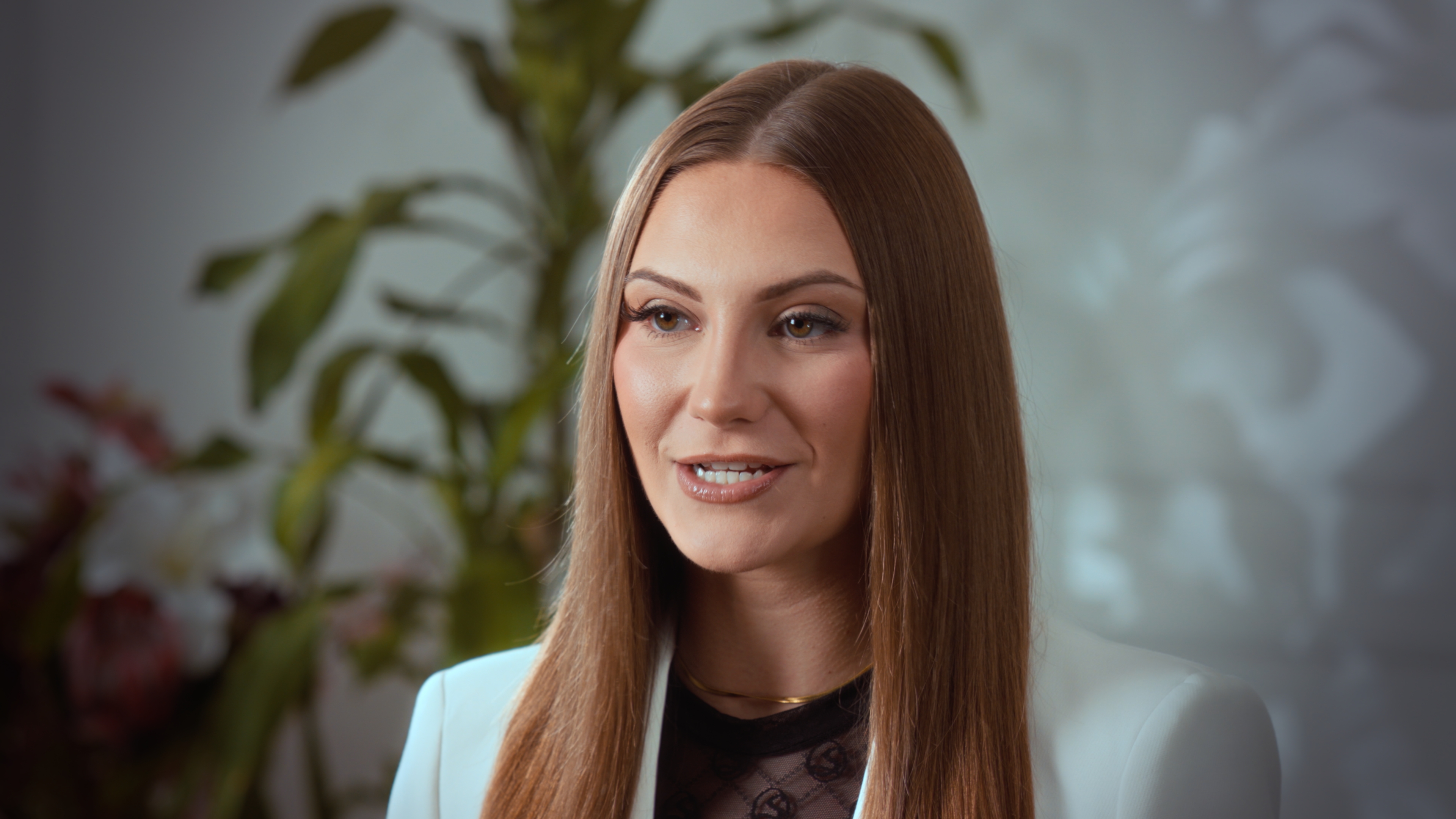
Real video of a real person beats AI-generated video wherever trust is the goal, because the footage itself is the proof that you exist, you said this, and you stand behind it. AI video can copy a face and a voice. It can't give the viewer that proof, so it works for routine, low-stakes clips and falls short where an audience is deciding whether to believe you, hire you or buy from you.
If you sell expertise, such as coaching, consulting, courses or a service you deliver yourself, that difference decides whether the video works. What follows explains why, where AI genuinely helps, and how to make real footage without it eating your month.
Why does real video build more trust than AI video?
When someone watches you on camera, they aren't only taking in information. They're sizing you up: do you know what you're talking about, do you seem straight with people, would they enjoy working with you? Those judgments come from small things nobody scripts. A pause before a hard answer. A grin at your own joke. The way your hands move when you get to the part you care about.
Generated video is built to remove that kind of variation. It can look smooth, but smooth isn't what makes people trust you. Real footage is evidence: a person sat in a room and said these words in this order. Once a viewer suspects the person on screen was rendered, that evidence is gone. Then the message has to stand on its own, and with no person behind it, "trust me" doesn't mean much.
There's a commercial side to this too. If your business is you, your audience is buying access to your judgment, your personality and your attention. Swapping yourself out on camera tells them, quietly, that they may be getting a stand-in for the rest of the service as well.
What can a real person on camera do that AI can't?
Six things matter most for engagement and credibility:
- React in the moment. On a podcast or interview, the best parts are usually unplanned: a follow-up question, a disagreement, a story that comes out sideways. Generated video can only play out what it was given.
- Show imperfection that reads as honesty. A small stumble you fix out loud, or a "let me put that better," tells people you're thinking, not reciting.
- Put real people in the frame together. A guest, a client or a co-founder sitting with you carries social proof that a single synthetic presenter can't fake.
- Be somewhere real. Your actual office, your kitchen, a city people know. Real places anchor a message in a real life.
- Be accountable. A recorded claim in your own voice and face is something you can be held to. Audiences sense that, and it's part of why they believe it.
- Change over time. Your audience watches you get older, change your mind, get better at explaining things. That ongoing relationship is what turns viewers into buyers, and it only exists if the person is real.
Where does AI video actually fit?
It would be dishonest to say AI video is useless. It has real uses where the viewer already trusts you and only needs information:
- Translating existing content into other languages
- Updating a short FAQ or onboarding clip when a detail changes
- Producing variations of an internal training video
- Quick, low-stakes reminders or announcements
Notice that the best AI avatars are built from real footage. They're trained on high-quality recordings of the actual person, so the better your real material, the better any synthetic version will be. If you're planning to go that way, our guide on how to film footage for an AI avatar covers what that source recording needs.
A sensible rule: use AI to extend content people already trust, and use real footage to earn that trust in the first place. That means your brand video, sales video, course intro, testimonials, podcast and the short clips that introduce you to strangers.
Is real footage too slow or expensive to keep up with?
This is usually the real reason people look at AI: they think filming themselves is a recurring headache. The fix is batching, not replacing yourself. One well-planned session can produce weeks of reels, a sales video and a handful of course lessons.
At Estudio Helios, the studio that publishes this guide, a session runs up to four hours. Reels and ads recorded back to back are filmed in one continuous take and labeled for your editor, so a stack of short pieces doesn't mean a stack of separate setups. Whichever studio you use, the method is the same. Our guide to batch filming content in one studio session walks through planning a session that way, and the cost guide helps you budget for it.
Worked out per finished clip, a few batched days a year usually cost less effort than people expect, and none of what you get is synthetic.
Does real footage have to look rough?
No. "Authentic" sometimes gets used as an excuse for bad light and echoing audio, and that hurts credibility too. Viewers forgive a real person who stumbles over a word. They're much less forgiving of a muddy picture and a voice bouncing off bare walls.
Professional cameras usually record in a flat Log profile on purpose, which keeps as much detail as possible for grading afterward. Straight out of the camera it looks washed out. Once graded, it looks deliberate and polished, and it's still entirely real.
 Straight out of the camera (Log)
 Graded
If you want to know what that finishing step involves, read why Log footage looks flat and what you get after the shoot. The point is that you don't have to pick between real and polished. Good real footage is both.
How do you make real footage feel genuinely real?
Polish can drift into stiffness if you aren't careful. A few habits keep it human:
- Script the structure, not every word. Use a teleprompter for key points and transitions, then talk around them in your own words.
- Keep the good mistakes. Ask your editor not to cut every self-correction. One or two make you sound like a person.
- Film some unscripted segments. Stories, client examples or answers to questions someone asks you off camera tend to be your most watched clips.
- Bring another person when you can. An interviewer or guest gives you something real to react to.
- Wear what you actually wear. The version of you in the video should match the one clients meet.
- Show where you are. A glimpse of your real setting does more for credibility than a generic background.
Frequently asked questions
Is AI-generated video bad for credibility?
It depends on the job. For routine updates, translations or internal clips, it can be fine. For anything where a viewer is deciding whether to trust you, such as a sales video, brand story or testimonial, real footage of you is much stronger.
Can I combine real footage and AI video?
Yes. A practical approach is to film your core trust-building content for real and use AI to extend it, for example with translations or small updates. Most AI avatars are built from real footage of the person anyway.
Can I record source footage for an AI avatar in a Medellín studio?
Estudio Helios doesn't make AI avatars, but clients can record the source footage there for their own avatar creation. Our AI avatar filming guide explains what that recording needs.
How do I produce enough real video without filming every week?
Batch it. Plan scripts in advance and record many pieces in one session, filming short reels back to back in continuous takes so your editor can cut them apart later.
Does real footage need professional color grading?
It isn't required, but footage recorded in a Log profile looks flat until it's graded. Grading and audio cleanup are what make real footage look and sound polished without losing what makes it real.