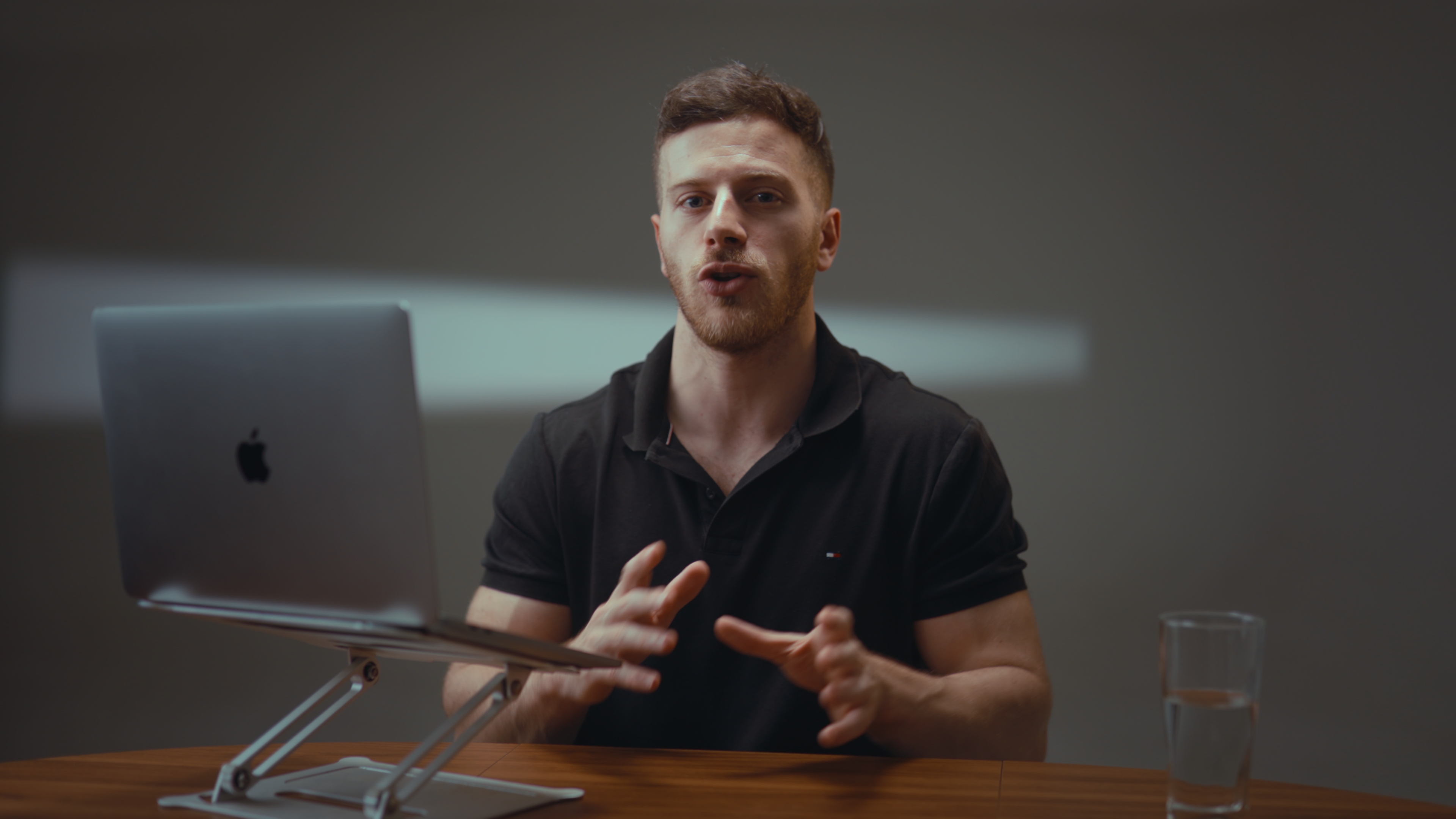
To record a video podcast in Medellín, you can book a studio that already has podcast sets, multiple cameras and broadcast microphones, or bring a crew to a location such as an office, home or rooftop. The easiest route for most visiting founders is a studio session with one camera per speaker plus a wide shot, a dynamic mic for each voice, and audio cleanup after the shoot. Before you book, decide how many people are talking, how long each episode runs and who will edit it.
This guide covers the decisions that are specific to podcasts: microphones, camera angles, guest timing, files and cost. It doesn't repeat our general guides to where to film in Medellín or batching a whole content day.
Studio or location: where should you record a podcast in Medellín?
A podcast asks more of the room than a solo talking-head video does. You have two or more people speaking, often over each other, for an hour or more, and every one of them has to sound clean. That is why most video podcasts are recorded in a controlled space.
Choose a studio if you want a set that's ready when you walk in, consistent sound from one episode to the next, and no time lost rigging lights. Purpose-built podcast sets also tend to work in both horizontal and vertical framing, which matters when half your distribution is clips.
Choose a location if the setting is part of the show: your office, a restaurant you're featuring, a home with a view. Expect setup time, and expect to deal with sound you can't control, like traffic, air conditioning and hard walls that bounce your voice around.
If you're comparing studios, our studio comparison goes through what each one offers.
What equipment do you need for a video podcast?
You don't have to own any of this if the studio provides it. Still, knowing the setup helps you judge a quote and brief the crew.
Microphones
- One dynamic microphone per speaker. Dynamic broadcast mics, such as the Shure SM7B, reject a lot of room sound and suit people talking a few inches from the capsule. It's the mic used on the Joe Rogan podcast, and that's why you see it on so many desks.
- Clip-on wireless mics for setups where a desk mic would block the shot, such as a walking conversation or a sofa interview.
- Shotgun mics on booms, which stay out of frame. They're useful when you want a clean, mic-free look, though they pick up more of the room.
- A multitrack mixer/recorder that records each voice on its own track. This matters more than people expect. When two people talk at once, separate tracks are what let an editor fix the mix.
Cameras
A standard video podcast uses three angles: a wide two-shot plus a close-up of each speaker. With three cameras you can cut between people without anyone being off camera mid-sentence. It also means a lot of data, so plan storage before the shoot (more on that below).
What a fully equipped studio looks like
To give you a concrete benchmark, Estudio Helios in El Poblado records on three Sony 4K cameras (an FX3, an FX30 and an A7 IV). It has four Shure SM7B microphones, two Sennheiser MKE 600 shotgun mics with boom poles, two Rode Wireless Pro clip-on mics and a Zoom PodTrak P8 mixer/recorder. Every session comes with a dedicated filmmaker. Four SM7Bs means a host and up to three guests can each have their own mic, which is a sensible number to ask any studio about.
How do you handle guests and timing?
Guests are the part of a podcast shoot you control least. A few habits prevent most problems:
- Send guests a short brief the day before. Include the topic, roughly how long you'll talk, and what to wear. Solid colors film better than tight stripes or small checks, which can shimmer on camera.
- Book the session to start after the guest's arrival time, not at it. Give them time to get settled, get mic'd and have a glass of water.
- Ask how lateness is billed. Many studios bill from when recording starts, but a delayed guest can change that. At some studios, a delayed guest is one of the exceptions where billing starts at the scheduled time instead.
- Record a few seconds of silence at the start, with everyone sitting still. This gives your editor room tone to work with.
- Mark segments out loud ("start of ad read," "good clip here") so the editor can find moments without scrubbing through an hour of footage.
If you're recording several episodes in one visit, group guests back to back on the same set. Changing sets mid-session takes time, and that time is usually billed.
What do you get after recording?
A video podcast produces three things your editor needs: graded video for each camera, clean audio and, ideally, separate audio files for the audio-only feed.
Video shot on cinema cameras is usually recorded in a flat Log profile. It looks washed out until it's color-graded. Audio from a room full of microphones needs cleanup: removing room hum, evening out levels between takes and bringing voices up to broadcast standard. Our article on Log footage, color grading and audio explains this step in detail.
 Straight out of the camera (Log)
 Graded
Two practical points that catch podcasters out:
- Storage. A long multi-camera session can reach about 400 GB of raw footage. If you want the raw files on the day, bring a hard drive big enough to hold them.
- Download windows. Studios that deliver through cloud links often delete files after a set period. Download and back up as soon as the link arrives.
Also check whether editing is included. Many studios deliver finished footage but don't cut episodes. If that's the case, line up an editor before the shoot, not after.
How much does it cost to record a video podcast in Medellín?
The answer depends on studio time, post-production and add-ons. Using Estudio Helios's published list prices as one example:
- Studio time is USD 130 per hour, with a one-hour minimum and then 15-minute increments. Sessions run up to 4 hours.
- Color grading and audio optimization costs USD 70 per session, whatever the length.
- Extra audio-only exports cost USD 50 per session.
- Live streaming the recording costs USD 200 per session.
- Raw Log files delivered via Google Drive cost USD 100. Next-day delivery is also USD 100.
So a two-hour recording with grading and audio cleanup comes to USD 330 before add-ons. Prepaid passes lower the hourly rate if you're recording a season. For a broader budget that includes travel and crew, see the cost guide.
Can you record a podcast on location in Medellín?
Yes. Location shoots usually cost more than the recording time itself, because the crew has to set up. For example, a field kit with two cameras, shotgun or condenser mics and basic lighting adds an hour of studio time at the published rates above. Heavier lighting rigs can add up to three hours, depending on scope.
On location, sound is the main risk. Pick the quietest room available, switch off fans and air conditioning while you record, and put soft furnishings between the speakers and bare walls. A beautiful setting won't save an episode that sounds like a hallway.
Frequently asked questions
How many microphones do I need for a video podcast?
You need one microphone per speaker, so each voice can be recorded on its own track. That gives your editor control when people talk over each other.
How many cameras should a video podcast use?
Three is the usual setup: a wide shot plus a close-up of each speaker. That lets an editor cut between people smoothly.
How big are the files from a podcast shoot?
A long multi-camera session can reach about 400 GB of raw footage. Bring a hard drive that size or larger if you want the raw files on the day.
Does a Medellín studio edit my podcast episodes?
Not always. Some studios deliver color-graded, audio-cleaned footage ready for your own editor but don't cut the episodes, so confirm this before booking.
Can I live stream a podcast recording from a studio in Medellín?
Some studios offer it. At the studio used as an example above, live streaming is a USD 200 add-on per session.