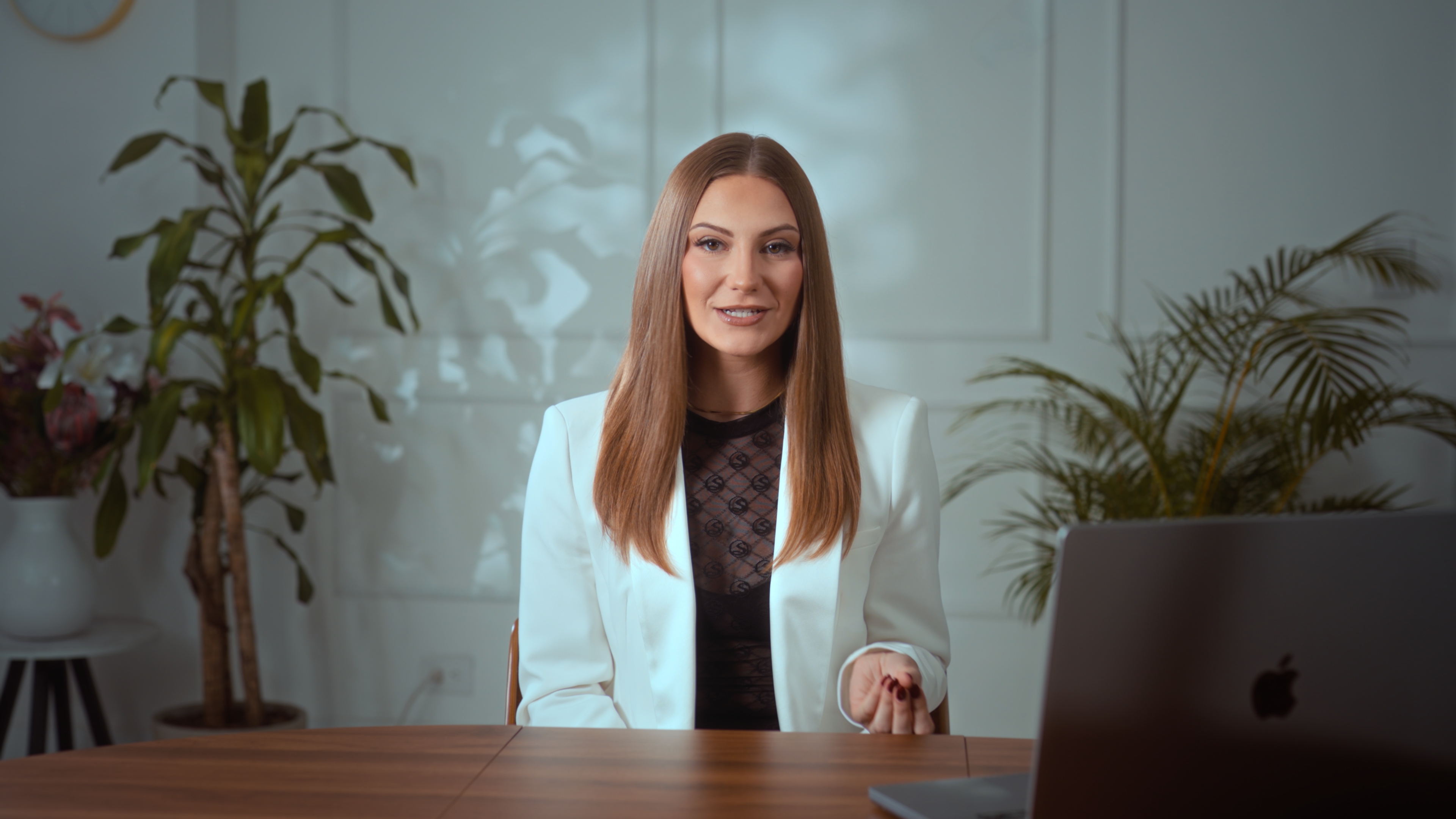
To batch film content in one studio session, finish every script before you arrive, group your pieces by set and outfit so you change backgrounds as rarely as possible, and record short pieces back to back in continuous takes, saying a label out loud for each one. At Estudio Helios in El Poblado, most clients use one or two sets and record for up to about two hours. Those who book the full four-hour session sometimes get through three or four sets.
The rest of this guide covers how to plan a batch day so the hours go into recording and not into waiting around.
How much content can you film in one studio session?
That depends less on the studio and more on how ready you are. A session at the studio mentioned above can run for up to four hours, but the two-hour, one-or-two-set pattern is the most common for a reason. Delivery holds up for about that long, and then energy starts to drop. Short pieces like reels and ads go fast. Long pieces like course modules or a video sales letter take longer per finished minute, because one stumble can mean going back to the start of a section.
A useful way to plan is to count scripts, not minutes. If you have twenty 45-second reels and three longer pieces, put them in order, time a read-through of each at speaking pace, and add margin for retakes. If the total comes in well under two hours, you have room for a second set or outfit. If it comes in over three, cut the list. Your second hour should look as good as your first.
How should you plan the scripts for a batch day?
Batching only works if writing and filming happen on separate days. Arrive with every script final, not "mostly done."
- Write for the teleprompter. Short lines, one idea per sentence, and no phrases you would never actually say out loud. Read every script aloud at least once at home.
- Put everything in one document, in recording order. Number each piece ("Reel 1 – pricing myth", "Reel 2 – client story") so the order on the prompter matches your shot list and your editor's folder names.
- Separate hooks from bodies if you test openings. If you want three versions of an ad's first line, write them as three short scripts in a row. They are cheap to record and hard to recreate later.
- Share it in a format the studio can load quickly. At the studio described here, scripts usually arrive as a Google Drive link (WhatsApp or AirDrop also work) and go onto the XL teleprompter in about three minutes. You run the remote yourself, or the filmmaker runs it for a USD 100 add-on per session.
How do you order a batch session to avoid wasted time?
The order you film in matters as much as the scripts.
Group by set first
The first set is built before you arrive, so you can record straight away. Changing sets later takes 10 to 20 minutes, and that time is billed. Each change has to buy you something real, like a different look for a separate content series or a podcast setup next to your talking-head reels. Film everything you plan for set one before you move.
Then group by outfit
An outfit change is quicker than a set change, but it still breaks your rhythm. Bring clothes you already feel comfortable in, and decide in advance which pieces go with which outfit. Changing outfits between batches of reels makes a single day's content look like it was filmed on different days.
Decide on vertical versus horizontal up front
Every set at this studio works in both horizontal and vertical formats. Work out before the day which pieces are for YouTube or your course platform and which are for Reels, TikTok or Shorts, and tell the filmmaker at the start. Framing for one and cropping for the other is a decision best made deliberately, not discovered in the edit.
Put the hardest piece early
Long, high-stakes scripts such as a sales video or a flagship course introduction go best while you are fresh. Save the quick reels for later, when momentum can carry you.
How do you record reels and ads back to back?
This is where batching pays off. Reels and ads recorded in quick succession don't need separate starts and stops. Each piece is slated on the clapperboard, and then you work through them in one continuous take, saying a label before each one ("this is reel number two").
A few habits make that work:
- Say the label, pause, then deliver. The pause gives your editor a clean cut point.
- If you fluff a line, stop, restate the label and go again. "Reel two, take two" takes three seconds and saves your editor from guessing which version you meant.
- Don't watch playback after every piece. Check framing and sound once during the dial-in at the start, then trust the filmmaker and keep going. Constant review is the biggest time drain in a batch session.
- Keep water close and take short breaks. A 30-second reset between batches does more for your delivery than pushing through.
What does a batch session cost in time?
It helps to know how the clock runs. Estudio Helios bills from the start of recording to the end of the last take, with a one-hour minimum and 15-minute increments after that, so a session of 1 hour 20 minutes is billed as 1.25 hours. The practical lesson for batching: rehearse at home, not on the clock, and treat set changes as a budget decision. For exceptional cases such as a delayed podcast guest, billing may start at the scheduled time, so confirm guest arrival times firmly.
For full rates, VIP passes and add-ons, see the cost guide. To compare other options in the city, see video studios in Medellín compared.
What should you bring to a batch filming day?
The list is short:
- Your scripts, final and in recording order.
- Your outfits, matched in advance to the pieces they'll appear in.
- A hard drive, if you want the raw footage on the day. Make it large, because a long multi-camera session can reach about 400 GB.
No brief or questionnaire is needed beforehand. The planning above is your brief.
What happens to the footage after a batch day?
Studio footage is recorded in a flat Log profile on purpose, so it needs color grading and audio cleanup before it's ready to post. At this studio, each session can be hand-graded and audio-optimized for USD 70 (included in VIP passes), and the files go to Google Drive within three working days. Next-day delivery costs USD 100. Download everything promptly, because files are kept for 30 days from when the link is shared and can't be recovered after that.
 Straight out of the camera (Log)
 Graded
The studio doesn't edit, so your batch arrives as finished raw material for your own editor. That's why the spoken labels and numbered scripts matter. For more on what Log footage is and why grading matters, read Log footage, color grading and audio: what you get after the shoot. If you're still planning the wider trip, start with the complete guide to filming in Medellín.
Frequently asked questions
How long should a batch filming session be?
At Estudio Helios, most clients record for up to about two hours on one or two sets. Sessions can run up to four hours, and clients who use the full time sometimes cover three or four sets.
Is changing sets during a session worth it?
A set change takes 10 to 20 minutes and is billed, so it's worth it only when you need a clearly different look, such as a separate content series or a podcast setup. Film everything planned for one set before moving.
Do I need to record each reel as a separate clip?
No. Reels and ads filmed in quick succession can be recorded in one continuous take, with each piece slated and labeled out loud for the editor.
Will the studio edit my batch of content?
No. Footage is delivered color-graded and audio-optimized, ready for your own editor to cut.
Can I take the footage home the same day?
Yes, if you bring a hard drive large enough to hold it. A long multi-camera session can reach about 400 GB.