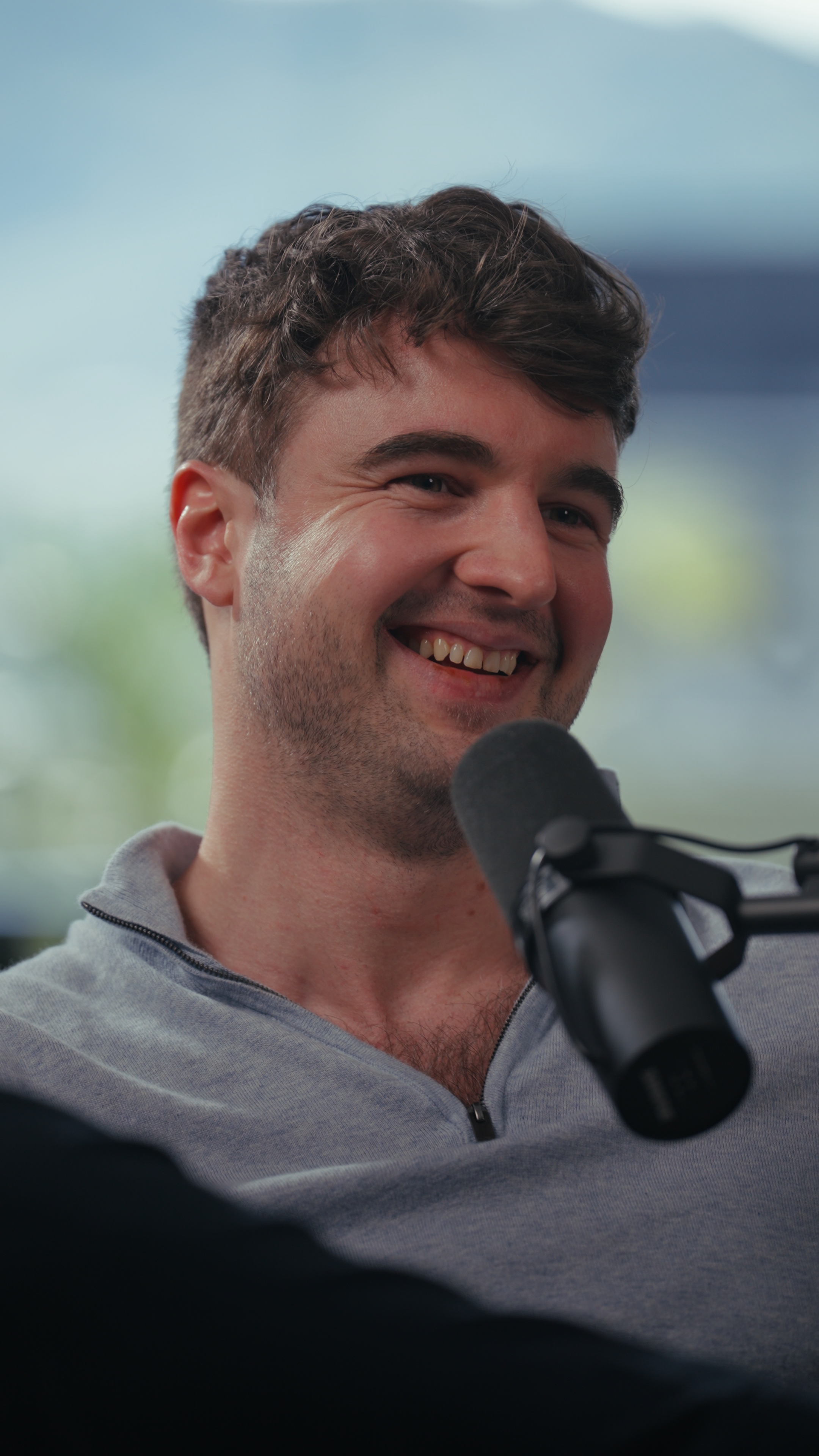
The simplest way to film an online course in Medellín is to book a studio session of up to four hours, go in with every lesson scripted, and read the to-camera parts from a teleprompter. For anything that needs showing rather than telling, add an overhead camera, a whiteboard or a screen. You leave with color-graded, audio-cleaned footage, and your own editor turns it into modules. Most of the work happens before you walk in. Plan the course as a production, not a series of separate videos.
This guide covers the course-specific decisions: how to structure the shoot, which teaching tools to ask for, what it costs, and what you get back. For general advice on recording a lot of material in one sitting, see how to batch film content in one studio session.
How should you plan a course shoot before you arrive?
A course isn't one video. It's dozens of short lessons that have to look like they belong together. That changes how you prepare.
- Outline the whole course first. List every module and lesson, even the ones you'll film later. Then you can see which lessons share a setup (talking head, whiteboard, screen demo) and group them.
- Script every lesson. Courses get rewatched, and filler words and false starts stand out far more than they do in a reel. A full script on a teleprompter also keeps each lesson tight.
- Write a slate list. Number each lesson ("Module 2, Lesson 3") and say the number at the start of every take. Your editor will be working from hours of footage, so labeling it on the day saves real money in the edit.
- Decide on continuity. If you might add lessons later, pick an outfit you can wear again and note which set you used. Students notice when the instructor's shirt and background change halfway through a module.
- Separate "telling" from "showing." Lessons where you explain an idea work as straight talking head. Lessons where you walk through a process, sketch a framework or demo software need a second setup. Group them so you only switch setups once.
A useful rule of thumb: if a lesson needs a diagram, a worksheet or a screen, write that into the script now. Don't plan to work it out on set.
What equipment do you need to film a course?
The core is the same as any talking-head shoot: a good camera, lighting that flatters you over long sessions, and a broadcast-quality microphone. What makes course footage different is the teaching tools.
- Teleprompter. Essential for scripted lessons. You can usually control it yourself with a remote, or pay for someone to run it so you can just focus on delivery.
- Overhead camera. Shows your hands writing on paper or a tablet. Useful for worked examples, sketched frameworks and anything math-like.
- Whiteboard. Lets you build a diagram live, in front of the camera, which often holds attention better than a static slide.
- Screen on set. A TV next to you with your slides or software, which you control with a clicker, so you can point to what you're explaining.
- Vertical and horizontal formats. Your course will be horizontal, but you'll want vertical clips to promote it. Check that the set works both ways.
As one reference point, Estudio Helios in El Poblado (the studio that publishes this site) lists these as add-ons per session: assisted teleprompter USD 100, overhead camera with A3 paper and pens or an iPad USD 50, mobile full-height whiteboard USD 50, and a TV on a wheeled stand with HDMI cable and presentation clicker USD 100. The XL teleprompter itself is included, controlled by you. Your script, shared as a Google Drive link, WhatsApp or AirDrop, goes onto the prompter in about three minutes. Every set there works in both horizontal and vertical formats.
How much course content can you film in one session?
How many lessons you get through depends on your scripts and how comfortable you are on a teleprompter. A few constraints shape the day, though:
- Session length. A studio session at Estudio Helios runs up to four hours. Most clients there record for up to about two hours on one or two sets. Clients who use the full four hours sometimes use three or four sets.
- Set changes cost time. Changing set takes 10 to 20 minutes and is billed. On a course shoot, that's one more reason to group lessons by setup: do all the talking-head lessons, then switch once for the whiteboard or screen lessons.
- Billing runs from first take to last. Time is billed from the start of recording to the end of the last take, with a one-hour minimum and then 15-minute increments. Pauses between lessons are on the clock, so arrive with your scripts final and in order.
For a long course, plan several sessions rather than one marathon. Your delivery in hour four won't match hour one, and it's easier to keep the course consistent if each session covers whole modules.
What does it cost to film a course in a Medellín studio?
At published list prices, a studio session at Estudio Helios is USD 130 per hour, plus USD 70 per session for color grading and audio optimization, whatever the session length. A three-hour session with grading comes to USD 460 before add-ons. Add an overhead camera and a TV and that becomes USD 610.
If your course needs several sessions, prepaid hour packages work out cheaper per hour and include post-production. Packages also have expiry windows, so only buy one if you'll really film the whole course within that period. The full breakdown, including how this compares with other options in the city, is in the cost guide.
Should you film the course in a studio or on location?
For most courses, a studio is the safer choice. Lessons filmed weeks apart have to match, and a controlled set with fixed lighting and sound is what makes that possible. Shooting at your office or apartment brings changing daylight, street noise and furniture that moves between sessions.
Location works well for a course trailer, a welcome video or B-roll that gives the course a sense of place. A common approach is to film the lessons in a studio and shoot one short session on location for the promo material. For the trade-offs in more detail, see studio vs location shoot in Medellín.
What do you get after a course shoot?
Expect finished raw material, not a finished course. At Estudio Helios, footage is delivered color-graded and audio-optimized, but not edited. There's no cutting, captions or effects, so you still need an editor to assemble the lessons, add slides and export each module.
Course cameras record in a flat Log profile by design, so ungraded footage looks washed out. Grading is what turns it into the polished image students expect:
 Straight out of the camera (Log)
 Graded
Audio optimization removes room hum, evens out levels between takes and brings the voice up to broadcast standard. That matters on a course, because students hear lesson after lesson back to back. More detail is in Log footage, color grading and audio: what you get after the shoot.
Some practical delivery details for course creators:
- Timing. Graded files arrive in Google Drive within three working days. Next-day delivery costs USD 100.
- Download window. Files are kept for 30 days and can't be recovered after that. Download everything and back it up as soon as it arrives.
- Raw files. Bring a hard drive if you want the raw footage on the day. A long multi-camera session can reach about 400 GB.
- Audio versions. If you plan to offer an audio-only version of the course, extra audio-only exports are USD 50 per session.
- Ownership. The content belongs to you, and its use isn't restricted, so you can sell it on any course platform.
Frequently asked questions
Do I need a teleprompter to film an online course?
It isn't required, but it's strongly recommended for scripted lessons. It keeps each lesson tight and consistent. At Estudio Helios an XL teleprompter is included, and having the filmmaker run it costs USD 100 per session.
Can I show handwritten examples or software in a studio course shoot?
Yes. Ask for an overhead camera for paper or iPad work, a whiteboard for live diagrams, or a TV with HDMI and a clicker for slides and software. Studios usually charge for these as add-ons.
Will the studio edit my course videos?
Not at Estudio Helios. Footage is delivered color-graded and audio-optimized, ready for your own editor to cut into lessons.
How long is a studio session for filming a course?
At Estudio Helios, a session lasts up to four hours. Billing runs from the first take to the last, with a one-hour minimum and then 15-minute increments.
How soon will I get my course footage?
Graded files are uploaded to Google Drive within three working days, or the next day for an extra USD 100. Download them within 30 days.