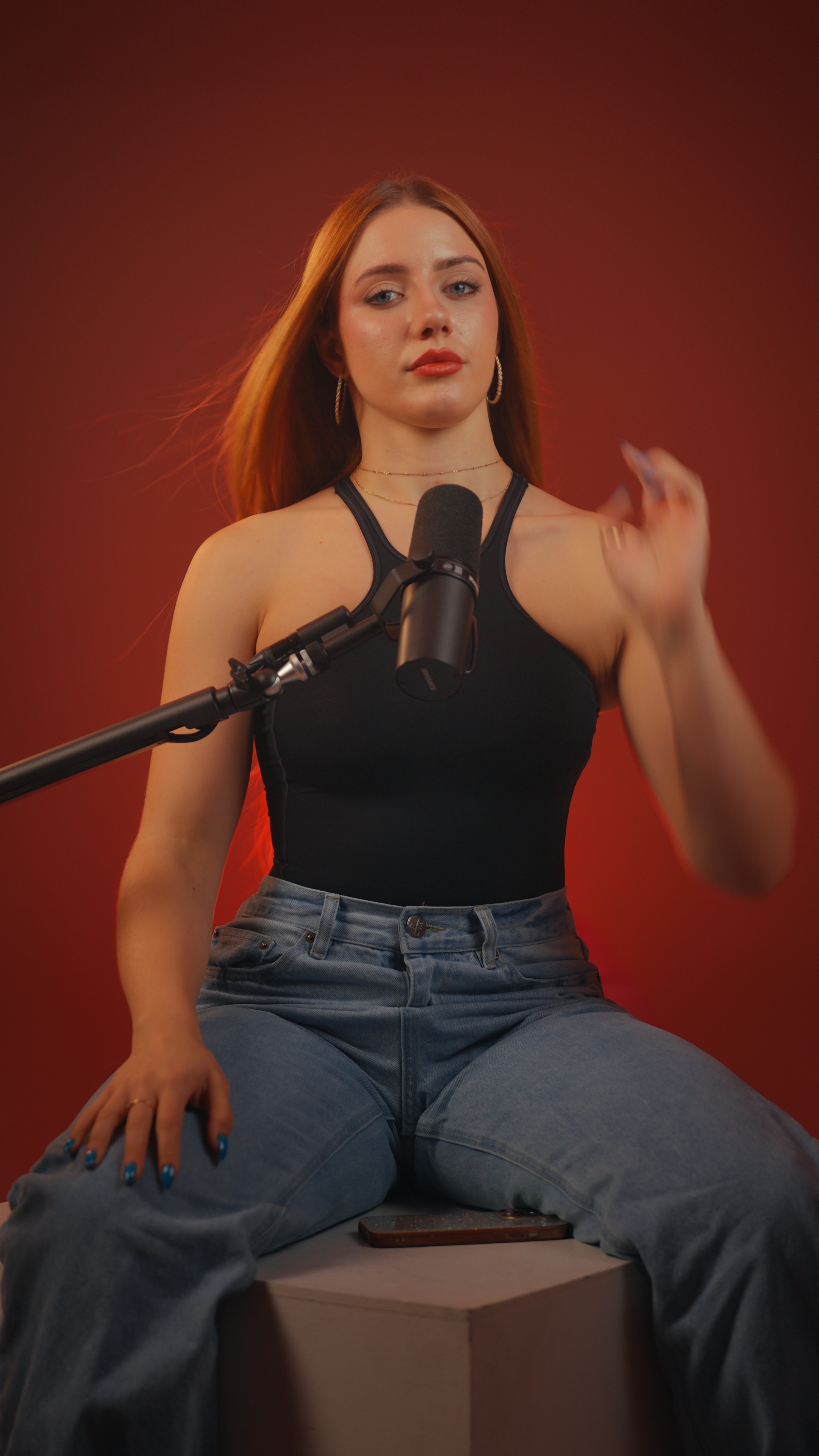
To plan a content shoot day, write a run-of-show before you book. It should group every script by set first, then by outfit, then by format, and put your longest, hardest pieces early while you still have energy. Plan it around how the studio bills your time, keep set changes to the ones that are really worth it, and decide before the day how your footage will get from the studio to your editor.
Most business owners who post on and off don't lack ideas. They lack a filming day that runs smoothly. This guide is about the plan for that one day: the order of events, the trade-offs and the handoff afterward. If you want the bigger picture on batching itself, start with how to batch film content in one studio session.
What should a content shoot day plan include?
A run-of-show is a single page that answers four questions before you arrive:
- What am I recording? Every script, finished and titled, with its format noted (YouTube, reel, podcast segment, VSL, course lesson).
- Where? Which set each piece is filmed on, and whether it needs a horizontal or vertical frame.
- Wearing what? Which outfit goes with which block of scripts.
- In what order? The sequence that keeps set and outfit changes to a minimum.
The specifics below come from Estudio Helios's published terms, because those are the numbers we can vouch for. Other studios work differently, so check their terms against the same list.
How does studio time shape your plan?
Your schedule should follow the billing rules, so learn them first.
- The clock starts at your first take. Billing runs from the start of recording to the end of the last take. The first set is built in the hour kept free before every booking, so you aren't paying for setup.
- One-hour minimum, then 15-minute steps. A session of 1 hour 20 minutes is billed as 1.25 hours. At USD 130 an hour, finishing a few minutes earlier can bring you down a step.
- Sessions last up to 4 hours. That's the most you can plan for in one booking.
- Set changes cost time. Changing set takes 10–20 minutes and is billed. You decide whether each change is worth it.
Since the clock runs from first take to last, anything that happens in between counts toward your time, including outfit changes and script tweaks. That's the best reason to arrive with everything finished.
For a full budget across formats and add-ons, see the cost guide.
How many sets and outfit changes should you plan?
Most clients use one or two sets and record for up to about two hours. Clients who book the full four hours sometimes use three or four sets. That gives you a realistic ceiling: one set for a focused morning, two if you want your YouTube videos and your short-form to look different, and more only on a long day.
Every set works in both horizontal and vertical formats, so you don't need a separate set for reels. Change set when you want a different look, not just a different aspect ratio. Furniture, props, lighting and camera positions can be adjusted if you ask before the session, which can sometimes give you two looks without paying for a full change.
For outfits, the rule is simple: change clothes when you change set, if you can. A new outfit on the same set makes a batch of reels feel like it was filmed across several weeks, but each change adds time to the clock. Bring clothes you already feel comfortable in. That's what most clients do, and it shows on camera.
What order should you film formats in?
This is the core of the run-of-show. A sequence that works for most business owners:
- VSL or sales video first. It's usually the longest script and the one where delivery matters most. Record it while you're fresh.
- YouTube or course lessons next. These are long-form horizontal pieces on the same set. You'll be warmed up, and the teleprompter will feel natural by now. (For lesson structure, see how to film an online course in Medellín.)
- Set change, if you planned one.
- Podcast or interview segment. This works well mid-session, when conversation flows more easily. If a guest is joining, put them here and tell them the exact arrival time. A late guest is one of the exceptional cases where billing may start at the scheduled time. More on this in how to record a video podcast in Medellín.
- Short-form last. Reels and ads recorded in quick succession are filmed in one continuous take and labeled for the editor ("this is reel number two"). They're short and high-energy, and they suit the end of the day.
Each piece is slated on a clapperboard, so your editor can find every video without having to scrub through the footage.
How do you prepare scripts for the teleprompter?
Put all your scripts in one Google Drive document or folder, in run-of-show order, with each one titled to match your plan. Sharing a Drive link is the usual way to get them onto the XL teleprompter, which takes about three minutes. WhatsApp and AirDrop also work. You run the prompter yourself with a remote. Having the filmmaker run it is a USD 100 add-on, and it's worth paying for on long scripts like a VSL.
General advice that saves billed minutes:
- Read every script aloud once at home. Sentences that look fine on paper often trip you up when spoken.
- Number your reels in the document the same way you'll call them out on camera.
- Cut anything you aren't sure about. A script you're rewriting on set is costing you money.
No brief or questionnaire is required. Bring your scripts and your outfits, plus a hard drive if you want the raw footage that day.
How do you estimate what a session will produce?
There's no fixed number of videos per hour. It depends on script length, how many takes you need and how many changes you make. Work it out from your own material instead:
- Time yourself reading each script aloud.
- Add a generous buffer for retakes, especially on the VSL.
- Add 10–20 minutes for each set change, plus time for any outfit changes.
- Round up to the next 15-minute step.
If the total comes out well over four hours, split it into two sessions instead of rushing. As a cost reference, a two-hour session with grading comes to USD 260 for studio time plus USD 70 for post-production, which is charged per session whatever the length.
What happens after the shoot day?
Plan the handoff as carefully as the day itself.
- Invoice: sent by WhatsApp and email after the session. Footage is released once it's paid.
- Finishing: footage is colour-graded by hand and audio-optimised. That includes removing room hum, evening out levels between takes and bringing your voice up to broadcast standard.
- Delivery: files are uploaded to Google Drive within three working days (it can take slightly longer at peak times), or the next day for USD 100. The studio can also upload straight to your Google Workspace Shared Drive.
- Download within 30 days. Files can't be recovered after that.
- No editing. You get finished clips ready for your own editor, not cut videos with captions. Line up your editor before the shoot, not after.
The footage is recorded in a flat Log profile on purpose. The grading step is what turns it into something you can post.
 Straight out of the camera (Log)
 Graded
For more on why this happens, read why Log footage looks flat. The content belongs to you, and there are no restrictions on how you use it.
Frequently asked questions
How long should a batch filming session be?
Sessions run up to 4 hours. Most clients record for up to about two hours on one or two sets, and longer sessions sometimes use three or four sets.
Does changing sets cost extra?
A set change takes 10–20 minutes and is billed as studio time. The first set is built before you arrive, so it doesn't count against your time.
What do I need to bring to a shoot day?
Your scripts and your outfits. Bring a hard drive too if you want the raw footage on the day, since a long multi-camera session can reach about 400 GB.
When will I get my footage?
Graded, audio-optimised files arrive in Google Drive within three working days, or the next day with the USD 100 next-day delivery add-on. Download them within 30 days.
Will the studio edit my videos?
No. Footage is delivered colour-graded and audio-optimised, ready for your own editor to cut.